
Video styles
What is this video style called? Stick figure and doodle explainers
Simple drawings on a white background, one recurring character, and a new picture every few seconds timed to a voiceover is usually called a stick figure explainer, doodle video or hand-drawn explainer. Faceless YouTube channels use it for history, science, psychology and money. To make one, narrate a script and draw a scene for each sentence, or let a tool such as Alpy draw them from your narration.
Last updated 29 October 2026
The styles, and what gives each away
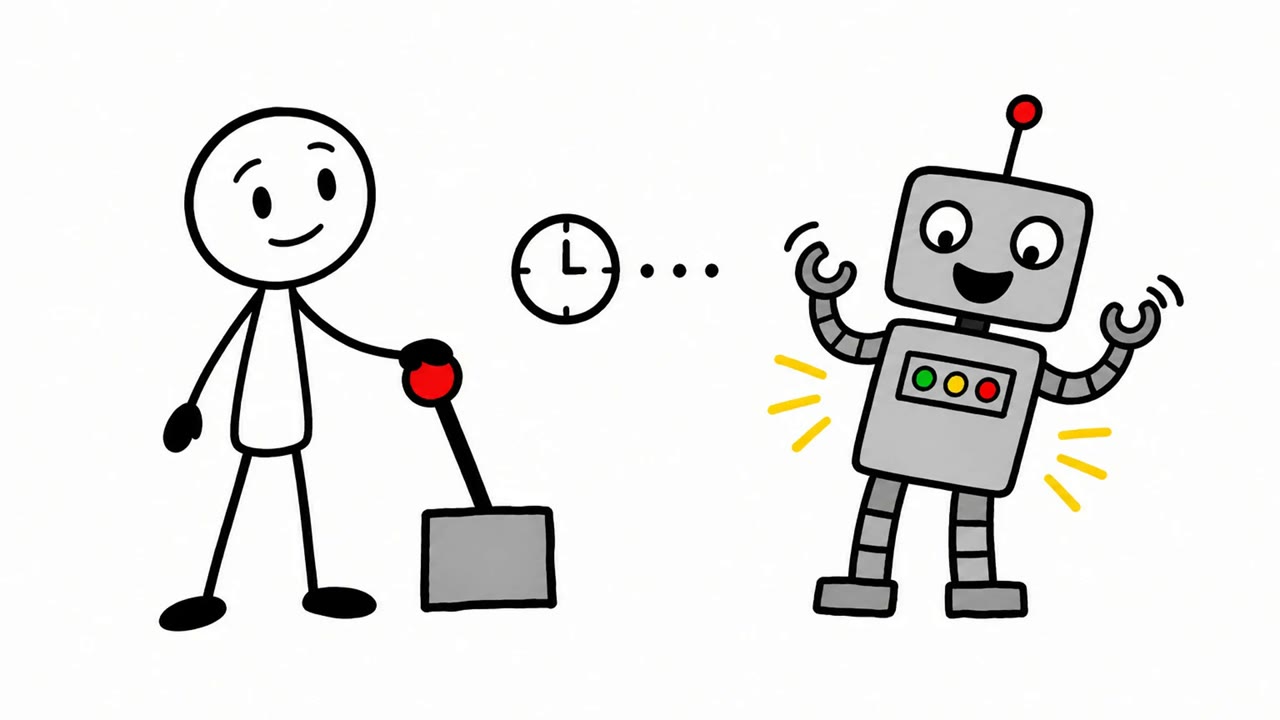
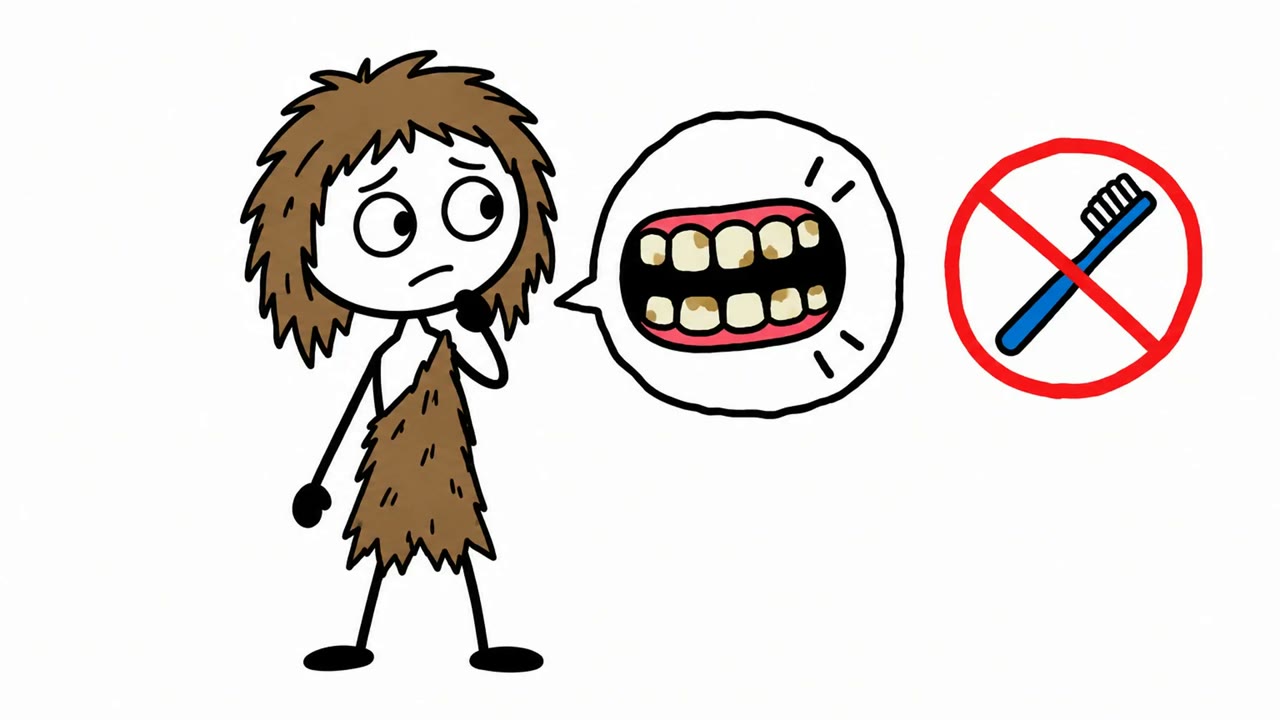
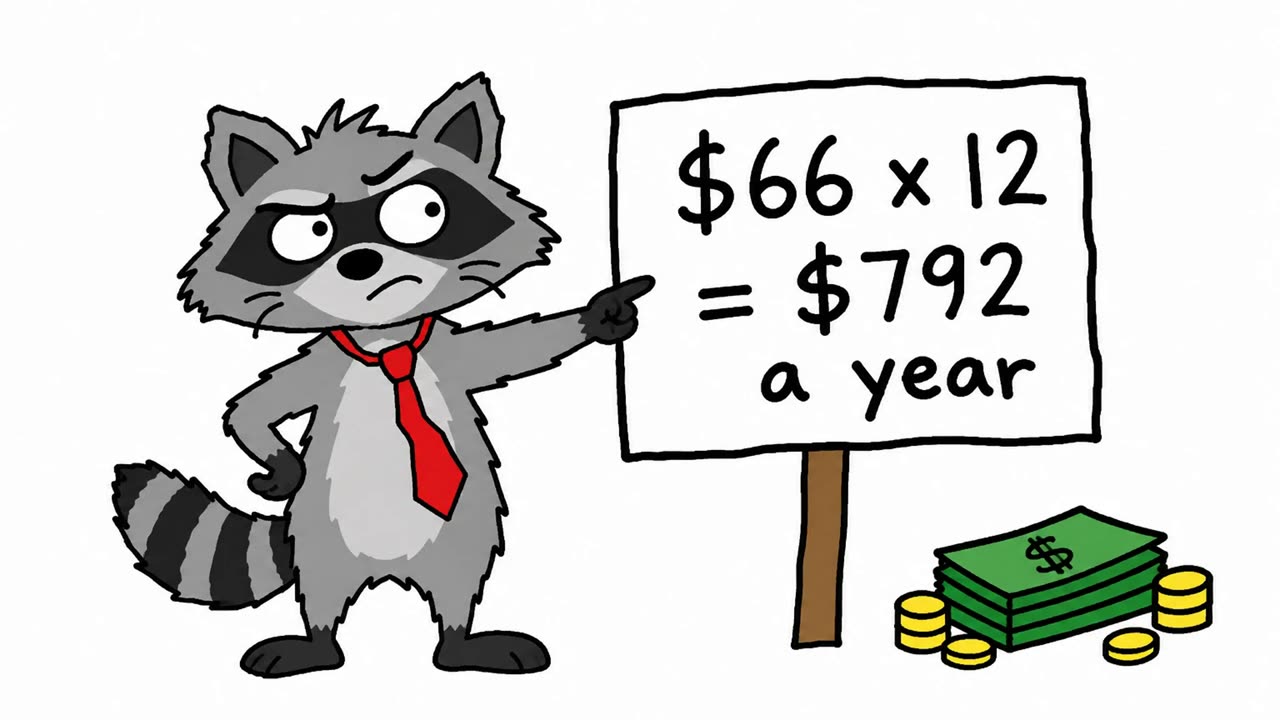
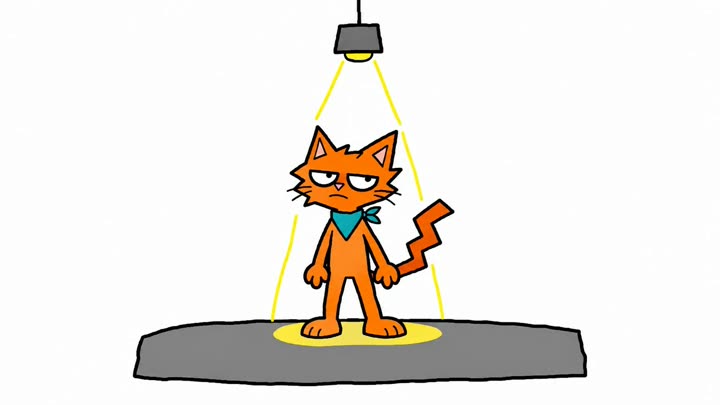
All four frames are from videos made with Alpy.
How to make videos like this
- Write the script for speaking. An 8-minute video is about 1,200 words; the script template splits it into parts.
- Narrate it in your own voice, or choose an AI voice.
- Pick one character and keep it in every scene: a stick figure, or an animal from the free characters.
- Draw a scene for each sentence, on white, and cut each in on the words it shows. By hand this is the slow part; Alpy draws them from your script or recording.
- Add a thumbnail in the same style, with a few big words.
Questions
- What is the stick figure explainer style on YouTube called?
- Usually a stick figure explainer, doodle video or hand-drawn explainer; when it is drawn on screen, whiteboard animation. Faceless channels use it because a narrator and simple drawings are enough, with no camera.
- How do I make videos like this?
- Write and narrate a script, then draw a simple scene for each sentence on a white background with one recurring character, and cut each drawing in on the words it shows. You can draw them yourself, or use a tool such as Alpy that draws the scenes from your narration.
- What app makes stick figure explainer videos?
- Drawing apps (Procreate, Krita) plus an editor if you draw by hand; whiteboard tools like VideoScribe if you place the images yourself; or Alpy, which draws a scene for each part of your script or recording with one consistent character.
- Can I make this style from a screenshot of a video I like?
- Use the screenshot to name the style (stick figure, doodle, animal narrator), then pick a similar character and write your own script. Copying another channel's script or characters can break YouTube's copyright and reused-content rules; the style itself is common.
Make one in this style
Paste a script or upload your narration, pick a character, and Alpy draws a scene for everything you say, in your own voice or an AI voice. Setting up a video is free, and you see the price before you pay.
Make a video in this style →